
Sale!

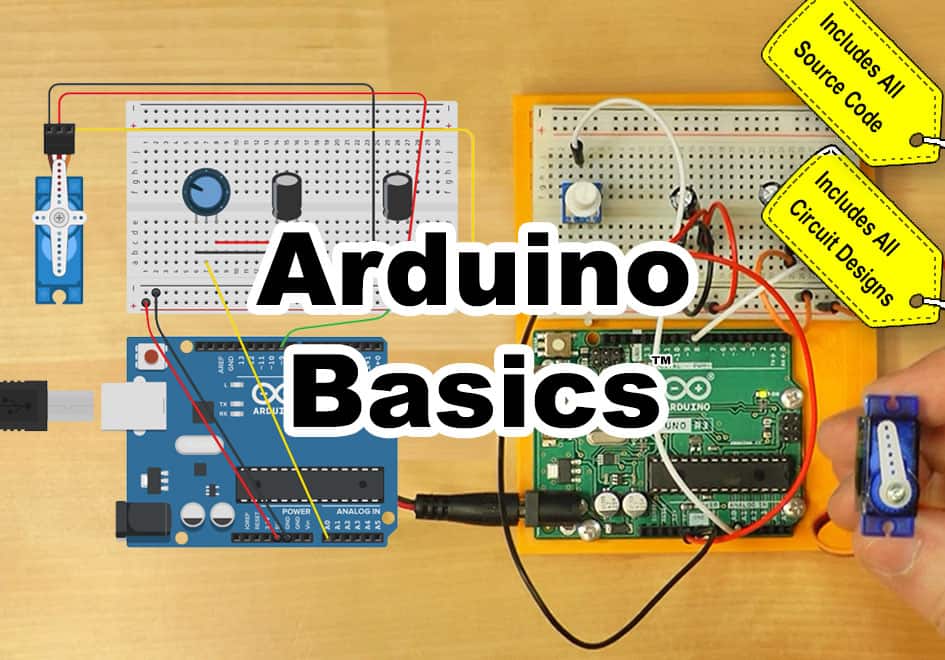
Arduino Basics Online Course

Original price was: $19.99.Current price is: $9.00.

*** For the most up-to-date course details, please visit the course page HERE ***

Learn to use and program Arduino microcontrollers, including:


✓ A short history of Arduino ✓ Unboxing of Four 2024 Kits
✓ How to get the Arduino Programming software ✓ How to Make, Program, and Test Projects for Free
✓ Opening, Verifying, and Uploading Projects ✓ Creating a Test Circuit With and Without Arduino
✓ Arduino Projects Working with Motors ✓ Arduino Projects Working with Servos
✓ Arduino Projects Using Sequential Logic ✓ Arduino Traffic Light Project


Description

For the most up-to-date course details, please visit the course page HERE


NOTE: To purchase this course or give it as a gift, please choose either the Buy Course or Buy Course Voucher option at top of the page.


Course Requirements

After purchasing this course, the only requirement to take the course is an Internet Connection to access this website.

That said, students who would like to complete the optional hands-on exercises should read the below:

While the hands-on exercises in this course are completely optional, it’s understandable that many students want to complete them as part of their learning journey.

If that’s you, below are two common options you can choose from:

1) You either have, or can acquire, a physical Arduino Starter Kit (like those we covered in the bonus lessons.) This, along with the free Arduino IDE software installed and working on your PC, MAC, or Chromebook would be the ideal situation to complete the optional hands-on exercises.

NOTE: A common question we receive is if we provide hardware kits with this online course, and since they are many times the price of this course, we do not.

2) For those who don’t have access to a physical Arduino and PC, we do show students how to use the free online simulator, TinkerCAD, and it can be used to complete most of the optional exercises. We also include links to our TinkerCAD projects, as well as our code for each project.

NOTE: Currently, Arduino states it’s programming software supports these operating systems:

  • Windows 10 and newer, 64 bits
  • Linux 64 bits
  • macOS Intel, 10.15 Catalina or newer, 64 bits
  • macOS Apple Silicon, 11 Big Sur or newer, 64 bits
  • Chromebook use the Arduino Web Editor on Arduino Cloud.