-
Sale!
$19.99 Original price was: $19.99.$9.00Current price is: $9.00.
*** For the most up-to-date course details, please visit the course page HERE ***
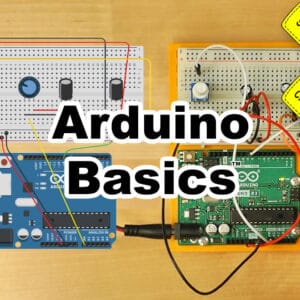
Learn to use and program Arduino microcontrollers, including:
| ✓ A short history of Arduino |
✓ Unboxing of Four 2024 Kits |
| ✓ How to get the Arduino Programming software |
✓ How to Make, Program, and Test Projects for Free |
| ✓ Opening, Verifying, and Uploading Projects |
✓ Creating a Test Circuit With and Without Arduino |
| ✓ Arduino Projects Working with Motors |
✓ Arduino Projects Working with Servos |
| ✓ Arduino Projects Using Sequential Logic |
✓ Arduino Traffic Light Project |
-
$99.00
*** For the most up-to-date course details, please visit the course page HERE ***
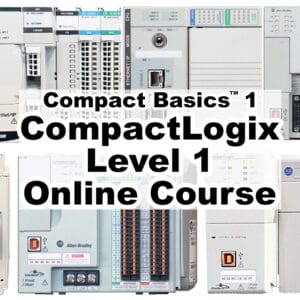
Learn to setup, use, and program the Allen-Bradley CompactLogix Small Programmable Automation Controller
What you’ll learn:
| ✓ CompactLogix hardware overview |
✓ System sizing & component selection |
| ✓ Controller architecture and OS |
✓ Comm hardware and RSLinx Driver setup |
| ✓ Version differences, Flashing Firmware |
✓ Add and test Local and Ethernet I/O |
| ✓ Create and edit Tasks and Programs |
✓ Create and test Ladder Routines |
And much, much more! (click here for details)
NOTE: Need to enroll an employee, or multiple students? Please contact us HERE
-
$49.00
*** For the most up-to-date course details, please visit the course page HERE ***
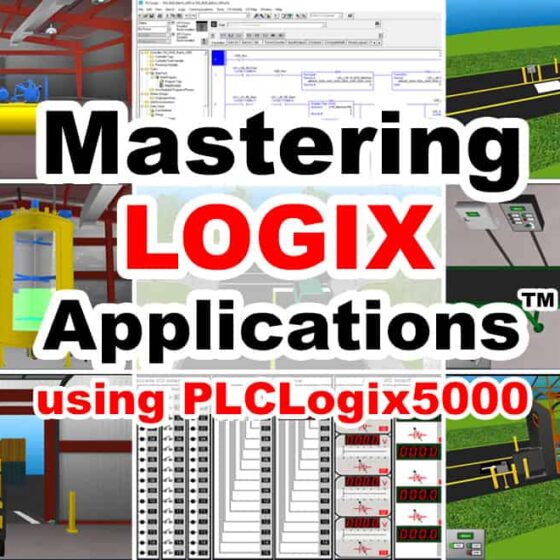
Learn to create ControlLogix control programs for several simulated “IO Worlds” based on real world applications using PLC Logix 5000.
NOTE: Comes with link to download 15 day trial of PLCLogix 5000
What you’ll learn:
| ✓ How to Install and Use PLCLogix 5000 |
✓ Write Programs using built-in IO Simulator |
| ✓ How to control the Air Compressor App. |
✓ How to control the Conveyor Carwash App. |
| ✓ How to control the Warehouse Door App. |
✓ How to control the Silo & Conveyor App. |
| ✓ How to control the Batch Processing App. |
✓ How to control the Stationary Carwash App. |
| ✓ Coming Soon: Control the Traffic App. |
✓ Future PLCLogix 5000 lessons included |
(click here for details)
NOTE: Need to enroll an employee, or multiple students? Please contact us HERE
-
$49.00
*** For the most up-to-date course details, please visit the course page HERE ***
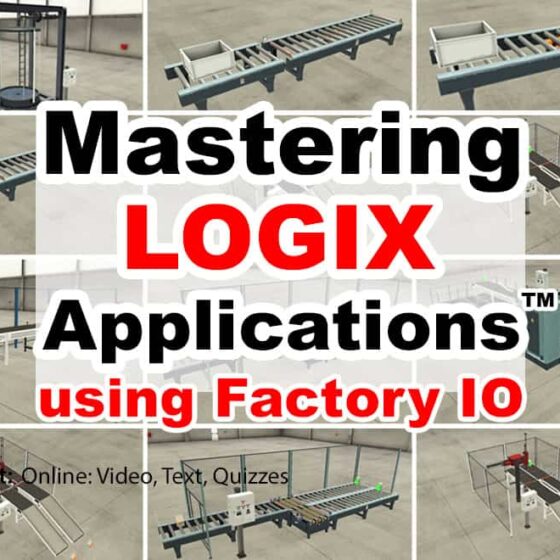
Learn to create ControlLogix and CompactLogix programs to solve several of the built-in Factory I/O “Scenes” based on real world applications.
Note: This course does not include a Programmable Controller, PAC Programming Software, or a Factory IO license, all of which are required to complete the optional exercises included in this course. Students may wish to contact Rockwell directly to obtain a 30 day trial (TA) of Studio 5000 and Logix Echo to use with the 30 day trial of Factory I/O from FactoryIO.com to complete the optional hands-on exercises.
What you’ll learn:
✓ How to Install and Use Factory I/O
✓ How to connect Factory I/O to your PLC
✓ How to solve several of Factory I/O “Scenes”
✓ PLC, Programming Software, and Factory I/O NOT Included
-
$49.00
*** For the most up-to-date course details, please visit the course page HERE ***
In this course you’ll learn to setup and program the A-B Micro800 Nano PLC with Connected Components Workbench, including:
– Understanding the design of the Micro800 Nano PLC hardware
– How to choose components, configure a system, and download the software
– How to flash controller firmware, and upload and download programs
– How to create Motor Control and Part Sensing programs in Ladder Diagram
– How to create Machine Runtime and Part Counting programs in Function Block
– And much, much more! (click here for details)
NOTE: Need to enroll an employee, or multiple students? Please contact us HERE
-
Sale!
$49.99 Original price was: $49.99.$34.00Current price is: $34.00.
*** For the most up-to-date course details, please visit the course page HERE ***
The original PLC Basics™ course is back and remastered for it’s Ten Year Anniversary! Learn everything you need to know to setup, use, and program PLCs, including:
| ✓ What PLCs are, and how they work |
✓ Different styles and types of PLCs |
| ✓ Numbering Systems, Data Types |
✓ How to read Ladder Logic |
| ✓ Inputs and Outputs, I/O Scan |
✓ Bits, Integers, Timers, Counters |
| ✓ Setting up RSLinx Drivers |
✓ Creating Programs in RSLogix |
| ✓ Testing Programs in Emulate |
✓ Up & Downloading to PLCs |
Full Details…
-
$49.00
*** For the most up-to-date course details, please visit the course page HERE ***
Learn to create ControlLogix control programs for several simulated “IO Worlds” based on real world applications using PLC Logix 5000.
NOTE: Comes with link to download 15 day trial of PLCLogix 5000
What you’ll learn:
| ✓ How to Install and Use PLCLogix 5000 |
✓ Write Programs using built-in IO Simulator |
| ✓ How to control the Air Compressor App. |
✓ How to control the Conveyor Carwash App. |
| ✓ How to control the Warehouse Door App. |
✓ How to control the Silo & Conveyor App. |
| ✓ How to control the Batch Processing App. |
✓ How to control the Stationary Carwash App. |
| ✓ Coming Soon: Control the Traffic App. |
✓ Future PLCLogix 5000 lessons included |
(click here for details)
NOTE: Need to enroll an employee, or multiple students? Please contact us HERE
-
$199.00
*** For the most up-to-date course details, please visit the course page HERE ***
Learn to setup, program, and troubleshoot the S7-1200 and 1500 line of PLCs!
What you’ll learn:
| ✓ S7-1200 and 1500 hardware overview |
✓ Introduction to TIA Portal and Step 7 |
| ✓ How to get a 21 Day free trial of TIA portal |
✓ How to setup and use the trial S7 PLC Simulator |
| ✓ System sizing & component selection |
✓ Controller architecture and OS |
| ✓ Controller scan, Memory |
✓ Communications setup |
| ✓ Version differences, Flashing Firmware |
✓ Add and test Local and Distributed I/O |
| ✓ Create, test, and troubleshoot Programs |
✓ Create and use PLC Tags and Data Blocks |
-
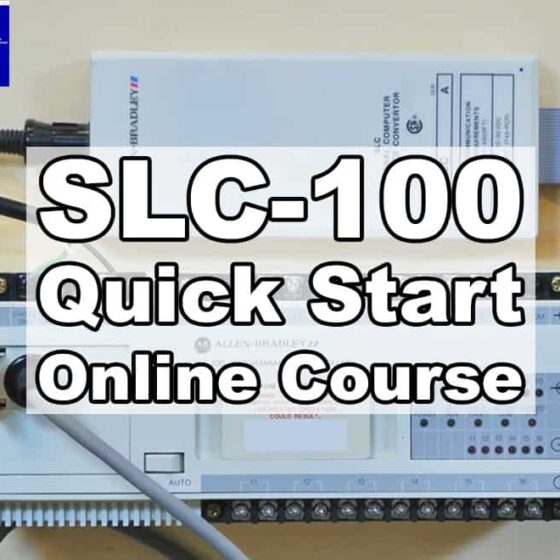
$9.00
*** For the most up-to-date course details, please visit the course page HERE ***
Learn to connect and upload programs from a SLC-100.
-
Sale!
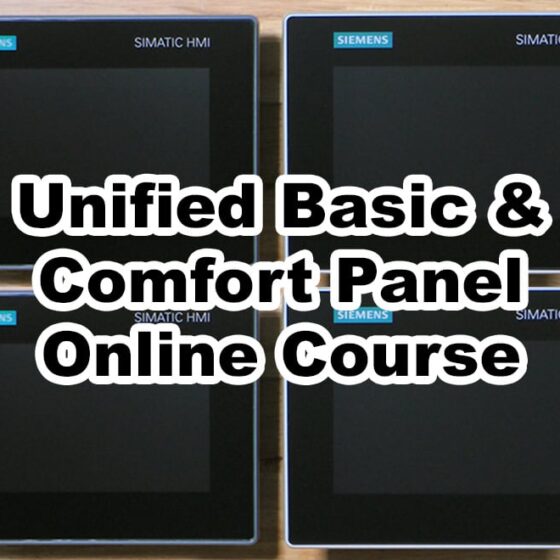
$199.99 Original price was: $199.99.$69.00Current price is: $69.00.
*** For the most up-to-date course details, please visit the course page HERE ***
Learn to setup, program, and connect the Siemens Unified Basic and Unified Comfort Panels to the S7-1200 and 1500 line of PLCs, including:
| ✓ Unified HMI Hardware Overview |
✓ Selecting a Unified HMI |
| ✓ Hardware Features and Functionality |
✓ Software Requirements and Licensing |
| ✓ Supported Versions and Updating HMI Images |
✓ Testing Communications to S7-1200 & 1500 CPUs |
| ✓ Creating and Editing HMI Projects |
✓ Using Common Features and Functions |
-
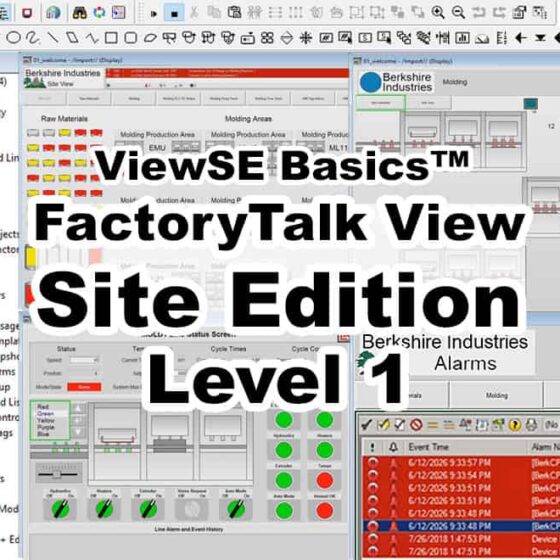
$199.00
*** For the most up-to-date course details, please visit the course page HERE ***
In this course students will learn how to create, edit, and deploy FactoryTalk View Site Edition applications using View Studio Enterprise, including:
– What View Site Edition is, and what its hardware and software requirements are
– How to setup and create a new application from scratch
– How to create and edit graphic displays with live data and animations
– How to setup comms using RSLinx Enterprise and RSLinx Classic
– And much, much more! (click here for details)
NOTE: Need to enroll an employee, or multiple students? Please contact us HERE
-
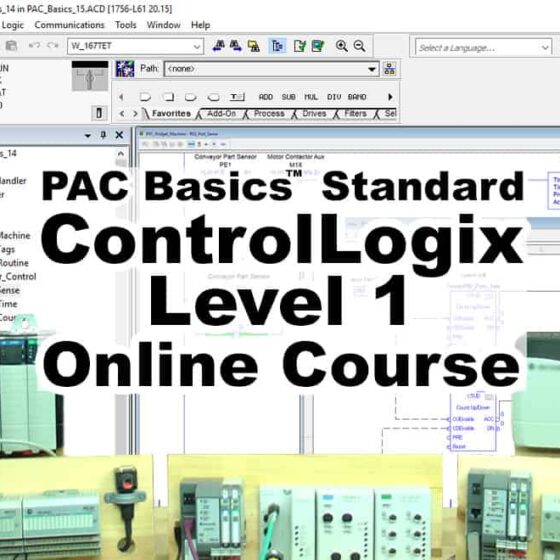
$99.00
*** For the most up-to-date course details, please visit the course page HERE ***
In this course, those with some prior PLC experience will learn how to setup, configure, and program the Allen-Bradley line of ControlLogix Programmable Automation Controllers (PACs) including:
– Understanding the design and parts that make up a ControlLogix system
– How to setup RSLinx drivers, and configure Ethernet and ControlNet Networks
– How to setup, test, and troubleshoot local and distributed I/O configurations
– How to create, test, and run Ladder Logic and Function Block programs
– And much, much more! (click here for details)
NOTE: Need to enroll an employee, or multiple students? Please contact us HERE
-
$99.00
*** For the most up-to-date course details, please visit the course page HERE ***
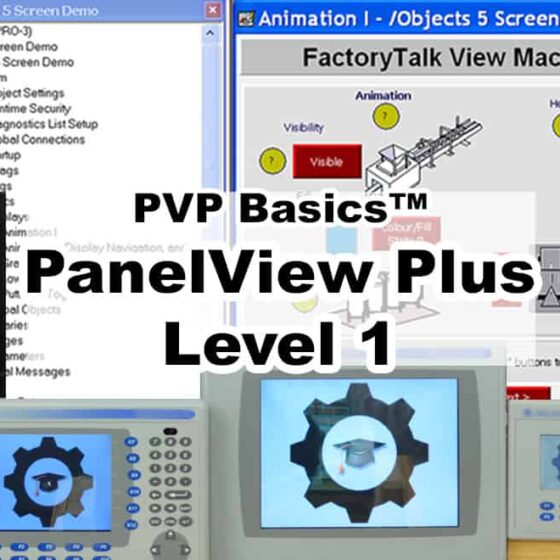
In this course you’ll learn how to setup, use, and program the PanelView Plus HMI with FactoryTalk View Studio Machine Edition, including:
– How to open, edit, create, upload, and download applications
– How to setup comms to CompactLogix, ControlLogix, SLC-500, and MicroLogix
– How to create, edit, and use HMI Tags, including how to import and export
– How to create, edit, and test Graphics, Objects, Symbols, and Libraries
– How to test your Graphic Displays and your entire Application on your PC
– And much, much more! (click here for details)
NOTE: Need to enroll an employee, or multiple students? Please contact us HERE
-
$24.00
*** For the most up-to-date course details, please visit the course page HERE ***
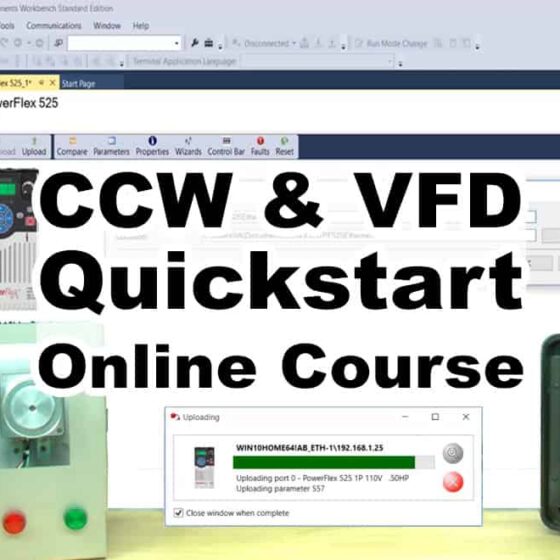
In this course you’ll learn to use CCW to upload & download parameters to A-B PowerFlex VFDs, including:
– How to setup RSLinx Classic’s Ethernet IP and Ethernet Devices Drivers
– How to setup RSLinx Classic’s Driver for the 1203-USB cable
– How to download PowerFlex manuals and update files
– How to connect to the PowerFlex 520 using USB on Windows 10 and 7
– How to use the PowerFlex USB utility to up and download to 520 Series
– How to import, edit, and export PowerFlex USB utility parameter files in CCW
– How to use CCW to up/download parameters over Ethernet
– How to use CCW & 1203-USB to up/download over DSI
– And much, much more! (click here for details)
NOTE: Need to enroll an employee, or multiple students? Please contact us HERE