Showing 1–20 of 22 results
-
Sale!
$19.99 Original price was: $19.99.$9.00Current price is: $9.00.
*** For the most up-to-date course details, please visit the course page HERE ***
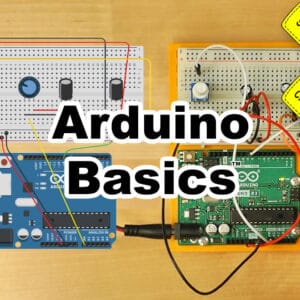
Learn to use and program Arduino microcontrollers, including:
| ✓ A short history of Arduino |
✓ Unboxing of Four 2024 Kits |
| ✓ How to get the Arduino Programming software |
✓ How to Make, Program, and Test Projects for Free |
| ✓ Opening, Verifying, and Uploading Projects |
✓ Creating a Test Circuit With and Without Arduino |
| ✓ Arduino Projects Working with Motors |
✓ Arduino Projects Working with Servos |
| ✓ Arduino Projects Using Sequential Logic |
✓ Arduino Traffic Light Project |
-
$149.00
*** For the most up-to-date course details, please visit the course pages here and here ***
Learn to setup, use, and program the Allen-Bradley CompactLogix Small Programmable Automation Controller
What you’ll learn:
| ✓ CompactLogix hardware overview |
✓ System sizing & component selection |
| ✓ Controller architecture and OS |
✓ Comm hardware and RSLinx Driver setup |
| ✓ Version differences, Flashing Firmware |
✓ Add and test Local and Ethernet I/O |
| ✓ Create and edit Tasks and Programs |
✓ Create and test Ladder Routines |
| ✓ Create and test *Function Block Routines |
✓ Create and use User Defined Data Types |
And much, much more! (*covered in Compact Basics)
NOTE: Need to enroll an employee, or multiple students? Please contact us HERE
-
$99.00
*** For the most up-to-date course details, please visit the course page HERE ***
Learn to setup, use, and program the Allen-Bradley CompactLogix Small Programmable Automation Controller
What you’ll learn:
| ✓ CompactLogix hardware overview |
✓ System sizing & component selection |
| ✓ Controller architecture and OS |
✓ Comm hardware and RSLinx Driver setup |
| ✓ Version differences, Flashing Firmware |
✓ Add and test Local and Ethernet I/O |
| ✓ Create and edit Tasks and Programs |
✓ Create and test Ladder Routines |
And much, much more! (click here for details)
NOTE: Need to enroll an employee, or multiple students? Please contact us HERE
-
Sale!
$30.00 Original price was: $30.00.$9.00Current price is: $9.00.
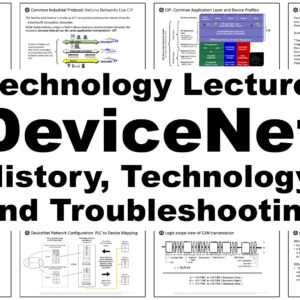
In this technology lecture Shawn Tierney takes a comprehensive look at the DeviceNet network and the technology behind it. He starts with a short history of DeviceNet, then takes a detailed look at the design and cabling options, and finishing the talk with helpful information on troubleshooting network issues. Note: Shawn uses publicly available documents…
-
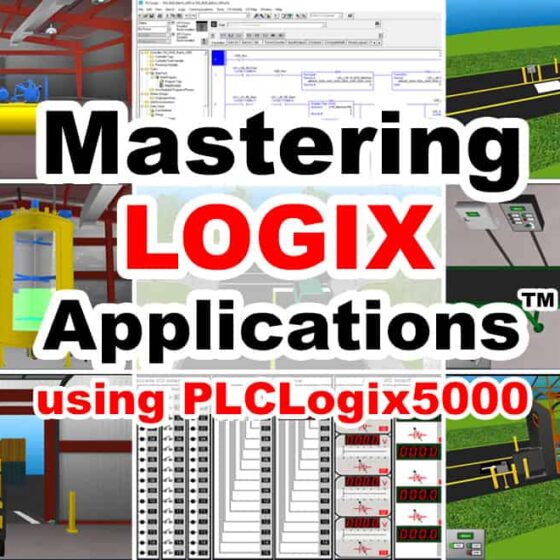
$49.00
*** For the most up-to-date course details, please visit the course page HERE ***
Learn to create ControlLogix control programs for several simulated “IO Worlds” based on real world applications using PLC Logix 5000.
NOTE: Comes with link to download 15 day trial of PLCLogix 5000
What you’ll learn:
| ✓ How to Install and Use PLCLogix 5000 |
✓ Write Programs using built-in IO Simulator |
| ✓ How to control the Air Compressor App. |
✓ How to control the Conveyor Carwash App. |
| ✓ How to control the Warehouse Door App. |
✓ How to control the Silo & Conveyor App. |
| ✓ How to control the Batch Processing App. |
✓ How to control the Stationary Carwash App. |
| ✓ Coming Soon: Control the Traffic App. |
✓ Future PLCLogix 5000 lessons included |
(click here for details)
NOTE: Need to enroll an employee, or multiple students? Please contact us HERE
-
Sale!
$349.00 Original price was: $349.00.$294.88Current price is: $294.88.
*** For the most up-to-date course details, please visit the course page HERE ***
Learn to create ControlLogix control programs for several simulated “IO Worlds” based on real world applications using PLC Logix 5000.
NOTE: This bundle includes a Single PC Lifetime License of PLCLogix 5000.
NOTE: An activation email will be sent to you within 4 working days of placing your order, and to activate this lifetime license you will need to install the 15 Day Trail software on the PC you will be activating your license on. Also note that the 15 Day Trial has the same features as the Full License, but will only run for 15 days from the time of installation, unless activated.
NOTE: If purchasing more than a Single License (any quantity over 1) you must provide us with the names and email addresses of the additional students for us to be able to process your order.
What you’ll learn:
| ✓ How to Install and Use PLCLogix 5000 |
✓ Write Programs using built-in IO Simulator |
| ✓ How to control the Air Compressor App. |
✓ How to control the Conveyor Carwash App. |
| ✓ How to control the Warehouse Door App. |
✓ How to control the Silo & Conveyor App. |
| ✓ How to control the Batch Processing App. |
✓ How to control the Stationary Carwash App. |
| ✓ Coming Soon: Control the Traffic App. |
✓ Future PLCLogix 5000 lessons included |
(click here for details)
NOTE: Need to enroll an employee, or multiple students? Please contact us HERE
-
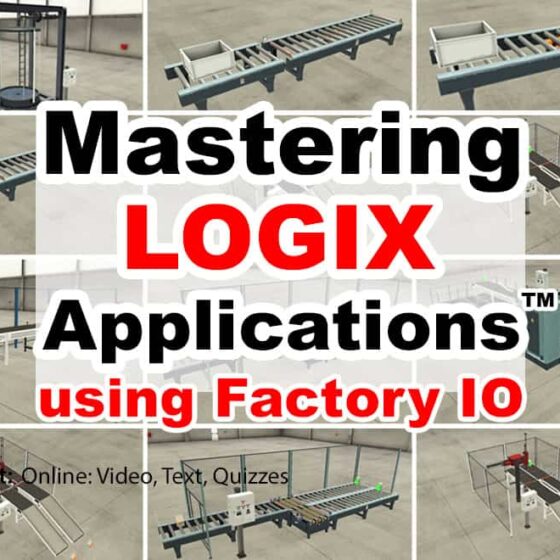
$49.00
*** For the most up-to-date course details, please visit the course page HERE ***
Learn to create ControlLogix and CompactLogix programs to solve several of the built-in Factory I/O “Scenes” based on real world applications.
Note: This course does not include a Programmable Controller, PAC Programming Software, or a Factory IO license, all of which are required to complete the optional exercises included in this course. Students may wish to contact Rockwell directly to obtain a 30 day trial (TA) of Studio 5000 and Logix Echo to use with the 30 day trial of Factory I/O from FactoryIO.com to complete the optional hands-on exercises.
What you’ll learn:
✓ How to Install and Use Factory I/O
✓ How to connect Factory I/O to your PLC
✓ How to solve several of Factory I/O “Scenes”
✓ PLC, Programming Software, and Factory I/O NOT Included
-
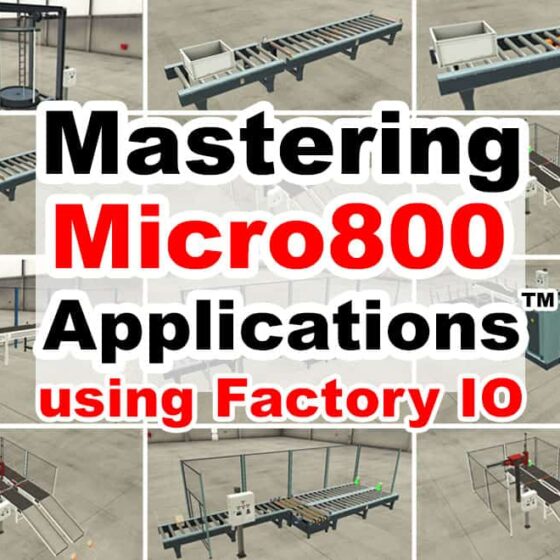
$49.00
*** For the most up-to-date course details, please visit the course page HERE ***
Learn to create MIcro800 programs to solve several of the built-in Factory IO “Scenes” based on real world applications.
Note: This course does not include a Micro800, CCW Programming Software, or a Factory IO license, all of which are required to complete the optional exercises included in this course. Students may use the free version of CCW (Standard) and the free Micro800 Simulator found in CCW (v12+) available from Rockwell Automation, and a 30 day trial of Factory I/O from FactoryIO.com to complete the optional hands-on exercises.
What you’ll learn:
✓ How to Install and Use Factory I/O
✓ How to connect Factory I/O to your PLC
✓ How to solve several of Factory I/O “Scenes”
✓ PLC, Programming Software, and Factory I/O NOT Included
-
$49.00
*** For the most up-to-date course details, please visit the course page HERE ***
Learn to create SLC-500 and MIcroLogix programs to solve several of the built-in Factory IO “Scenes” based on real world applications.
Note: This course does not include a SLC-5/05 or MicroLogix 1100 or 1400 PLC, or a license of RSLogix, or a Factory I/O license, all of which are required to complete the optional exercises included in this course. Students may use Rockwell’s free RSLogix Micro Starter Lite software with a physical MicroLogix 1100 they provide themselves. A 30 day trial of Factory I/O is also available from FactoryIO.com.
What you’ll learn:
✓ How to Install and Use Factory I/O
✓ How to connect Factory I/O to your PLC
✓ How to solve several of Factory I/O “Scenes”
✓ PLC, Programming Software, and Factory I/O NOT Included
-
$49.00
*** For the most up-to-date course details, please visit the course page HERE ***
In this course you’ll learn to setup and program the A-B Micro800 Nano PLC with Connected Components Workbench, including:
– Understanding the design of the Micro800 Nano PLC hardware
– How to choose components, configure a system, and download the software
– How to flash controller firmware, and upload and download programs
– How to create Motor Control and Part Sensing programs in Ladder Diagram
– How to create Machine Runtime and Part Counting programs in Function Block
– And much, much more! (click here for details)
NOTE: Need to enroll an employee, or multiple students? Please contact us HERE
-
Sale!
$49.99 Original price was: $49.99.$34.00Current price is: $34.00.
*** For the most up-to-date course details, please visit the course page HERE ***
The original PLC Basics™ course is back and remastered for it’s Ten Year Anniversary! Learn everything you need to know to setup, use, and program PLCs, including:
| ✓ What PLCs are, and how they work |
✓ Different styles and types of PLCs |
| ✓ Numbering Systems, Data Types |
✓ How to read Ladder Logic |
| ✓ Inputs and Outputs, I/O Scan |
✓ Bits, Integers, Timers, Counters |
| ✓ Setting up RSLinx Drivers |
✓ Creating Programs in RSLogix |
| ✓ Testing Programs in Emulate |
✓ Up & Downloading to PLCs |
Full Details…
-
$49.00
*** For the most up-to-date course details, please visit the course page HERE ***
Learn to create ControlLogix control programs for several simulated “IO Worlds” based on real world applications using PLC Logix 5000.
NOTE: Comes with link to download 15 day trial of PLCLogix 5000
What you’ll learn:
| ✓ How to Install and Use PLCLogix 5000 |
✓ Write Programs using built-in IO Simulator |
| ✓ How to control the Air Compressor App. |
✓ How to control the Conveyor Carwash App. |
| ✓ How to control the Warehouse Door App. |
✓ How to control the Silo & Conveyor App. |
| ✓ How to control the Batch Processing App. |
✓ How to control the Stationary Carwash App. |
| ✓ Coming Soon: Control the Traffic App. |
✓ Future PLCLogix 5000 lessons included |
(click here for details)
NOTE: Need to enroll an employee, or multiple students? Please contact us HERE
-
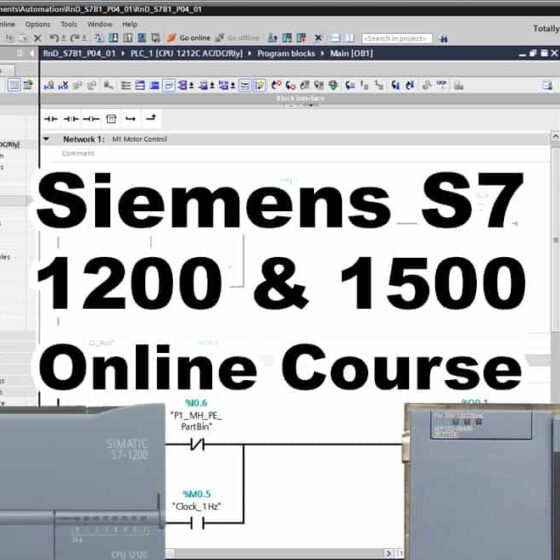
$199.00
*** For the most up-to-date course details, please visit the course page HERE ***
Learn to setup, program, and troubleshoot the S7-1200 and 1500 line of PLCs!
What you’ll learn:
| ✓ S7-1200 and 1500 hardware overview |
✓ Introduction to TIA Portal and Step 7 |
| ✓ How to get a 21 Day free trial of TIA portal |
✓ How to setup and use the trial S7 PLC Simulator |
| ✓ System sizing & component selection |
✓ Controller architecture and OS |
| ✓ Controller scan, Memory |
✓ Communications setup |
| ✓ Version differences, Flashing Firmware |
✓ Add and test Local and Distributed I/O |
| ✓ Create, test, and troubleshoot Programs |
✓ Create and use PLC Tags and Data Blocks |
-
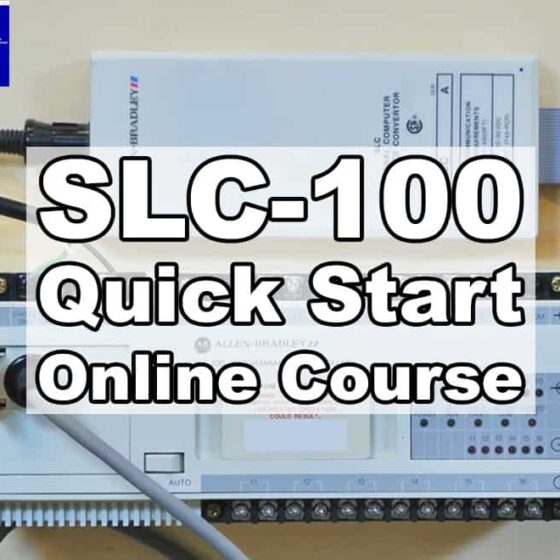
$9.00
*** For the most up-to-date course details, please visit the course page HERE ***
Learn to connect and upload programs from a SLC-100.
-
Sale!
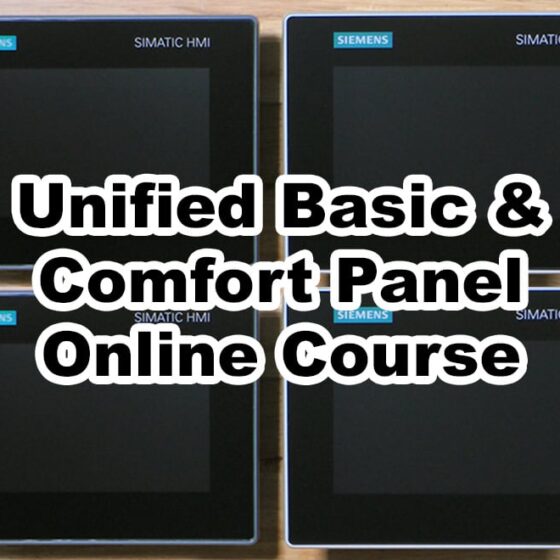
$199.99 Original price was: $199.99.$69.00Current price is: $69.00.
*** For the most up-to-date course details, please visit the course page HERE ***
Learn to setup, program, and connect the Siemens Unified Basic and Unified Comfort Panels to the S7-1200 and 1500 line of PLCs, including:
| ✓ Unified HMI Hardware Overview |
✓ Selecting a Unified HMI |
| ✓ Hardware Features and Functionality |
✓ Software Requirements and Licensing |
| ✓ Supported Versions and Updating HMI Images |
✓ Testing Communications to S7-1200 & 1500 CPUs |
| ✓ Creating and Editing HMI Projects |
✓ Using Common Features and Functions |
-
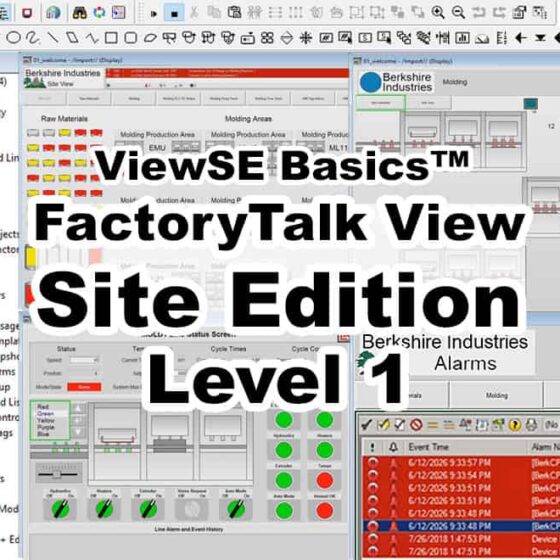
$199.00
*** For the most up-to-date course details, please visit the course page HERE ***
In this course students will learn how to create, edit, and deploy FactoryTalk View Site Edition applications using View Studio Enterprise, including:
– What View Site Edition is, and what its hardware and software requirements are
– How to setup and create a new application from scratch
– How to create and edit graphic displays with live data and animations
– How to setup comms using RSLinx Enterprise and RSLinx Classic
– And much, much more! (click here for details)
NOTE: Need to enroll an employee, or multiple students? Please contact us HERE
-
$199.00
*** For the most up-to-date course details, please visit the course pages here and here ***
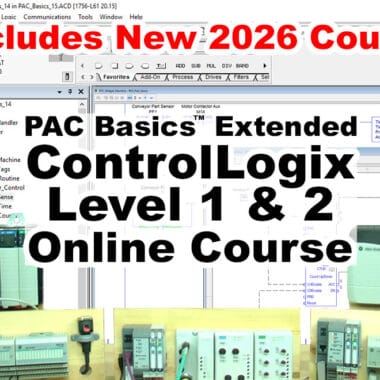
In these courses, you will learn how to setup, configure, and program the Allen-Bradley line of ControlLogix Programmable Automation Controllers (PACs) including:
– Understanding the design and parts that make up a ControlLogix system
– How to setup RSLinx drivers, and configure Ethernet Networks (and ControlNet Networks in PAC Basics.)
– How to setup, test, and troubleshoot local and distributed I/O configurations
– How to create, test, and run Ladder Logic (and Function Block, ST, & SFC programs in PAC Basics)
– And much, much more!
NOTE: Need to enroll an employee, or multiple students? Please contact us HERE
-
$99.00
*** For the most up-to-date course details, please visit the course page HERE ***
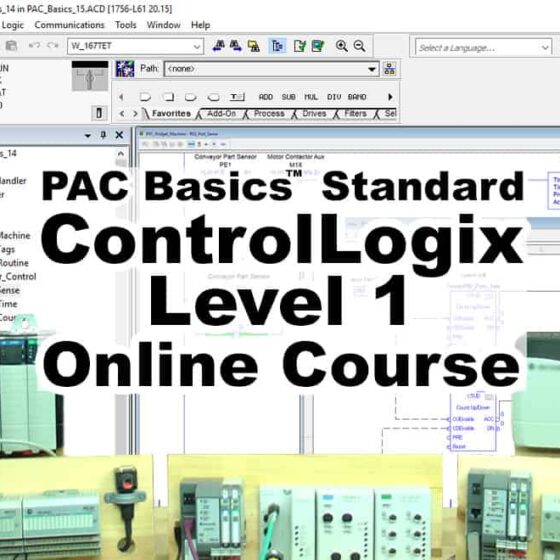
In this course, those with some prior PLC experience will learn how to setup, configure, and program the Allen-Bradley line of ControlLogix Programmable Automation Controllers (PACs) including:
– Understanding the design and parts that make up a ControlLogix system
– How to setup RSLinx drivers, and configure Ethernet and ControlNet Networks
– How to setup, test, and troubleshoot local and distributed I/O configurations
– How to create, test, and run Ladder Logic and Function Block programs
– And much, much more! (click here for details)
NOTE: Need to enroll an employee, or multiple students? Please contact us HERE
-
$99.00
*** For the most up-to-date course details, please visit the course pages here and here ***
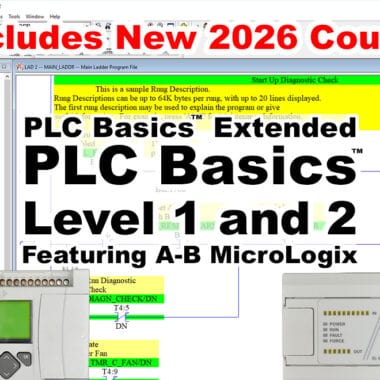
In thess courses new users will learn everything they need to know to setup, use, and program Programmable Logic Controllers, including:
– What a PLC is, and the different styles and types they come in
– Understanding Numbering Systems, Data Types, and Ladder Logic Programs
– How to download and use the free RSLogix PLC Software, and setup RSLinx
– How to create, download, & test programs for sensing, timing, counting, etc
– And much, much more! (click here for details)
NOTE: Need to enroll an employee, or multiple students? Please contact us HERE
-
$99.00
*** For the most up-to-date course details, please visit the course pages here and here ***
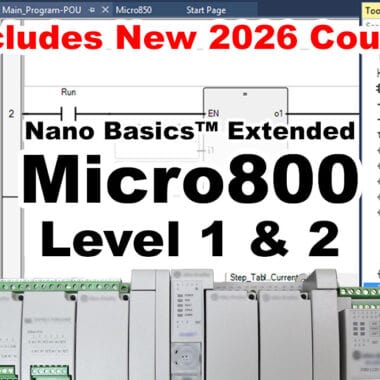
In these courses you’ll learn to setup and program the A-B Micro800 Nano PLC with Connected Components Workbench, including:
– Understanding the design of the Micro800 Nano PLC hardware
– How to choose components, configure a system, and download the software
– How to flash controller firmware, and upload and download programs
– How to create Motor Control and Part Sensing programs in Ladder Diagram
– How to create Machine Runtime and Part Counting programs in *Function Block
– And much, much more! (*covered in Nano Basics)
NOTE: Need to enroll an employee, or multiple students? Please contact us HERE