
Compact Basics Extended Level 1 & 2
📢 2026 Update
Enrollment in this course now also includes enrollment and early access to the new 2026 Edition. Learn more here »
| Buy For Someone Else (Voucher) | Open Course Data Sheet (PDF) |
Note: to purchase this course for someone else, choose “Voucher.” Enrolling three or more people? Contact us here to learn about our group enrollment program.
What You’ll Learn:
By the End of This Course, You’ll Be Able To:
- ✓ Choose the right CompactLogix hardware and I/O for a given application
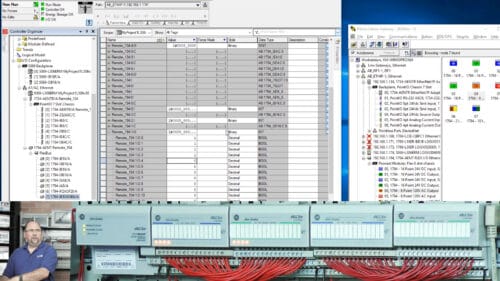
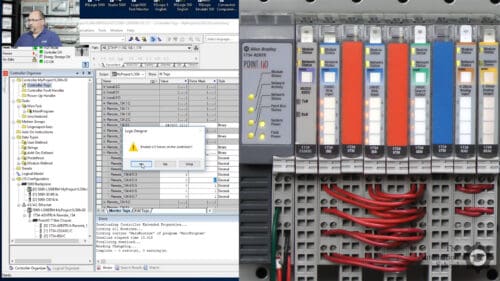
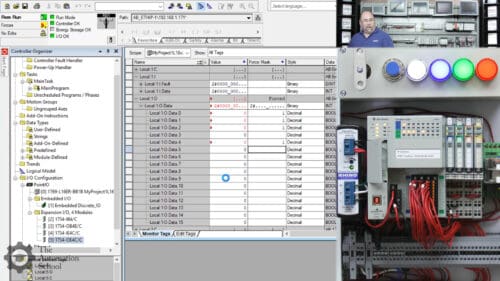
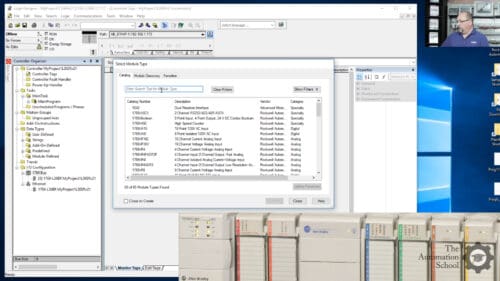
- ✓ Setup and Configure a CompactLogix controller from scratch
- ✓ Set up Ethernet, Serial DF1, and USB communications in RSLinx Classic
- ✓ Flash firmware and navigate version differences across CompactLogix models
- ✓ Write, test, and independently troubleshoot ladder logic routines
- ✓ Build and debug Ladder Logic routines based on real world applications
- ✓ Build and debug Function Block Diagram routines for real-world control tasks
What You Receive With Your Purchase:
- ✓ Immediate online access
- ✓ Fifty-five plus online lessons
- ✓ Fifteen file downloads
- ✓ Online instructor support
- ✓ PLC App Simulator for Win10 & 11
- ✓ No expiration date
- ✓ Take lessons in any order
- ✓ Retake lessons as needed
- ✓ Completion certificate with PDHs
- ! Logix hardware & software is NOT included




























Meet Your Instructor
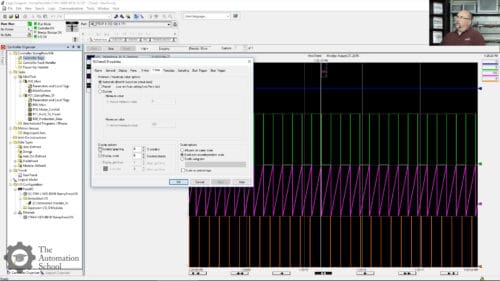
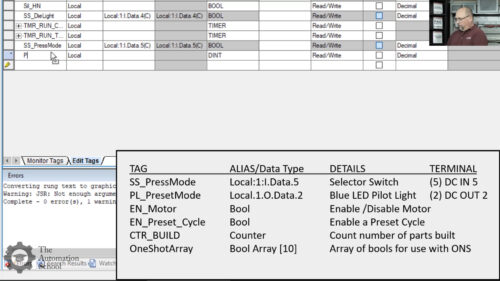
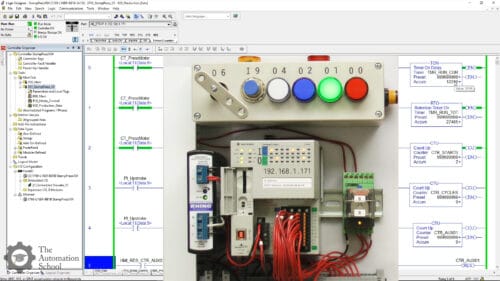
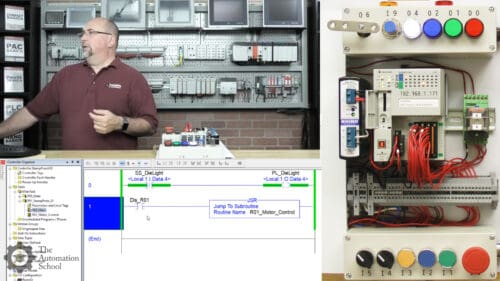
Course Requirements
Requirements to follow along and/or complete any optional exercises
Students who wish to complete any optional exercises, or just follow along with the instructor as he teaches, will need the following:
- An internet connection to take this online course
- To write programs, an installed and working copy of either RSLogix 5000 or Studio 5000 Logix Designer Mini or better
- To download and test programs, a physical CompactLogix controller, power supply, I/O and communications cable — or a copy of Studio 5000 Emulate along with a compatible version of RSLogix 5000 or Studio 5000 Logix Designer
- Instructions on how to request a free 30-day evaluation and demo copy of Studio 5000 Logix Designer and Emulate 5000 from Rockwell are covered in the course
- A Windows PC compatible with the above software, controller, and communications cable (all controllers, cables, and drivers are covered in the course)
- Optionally, any input (push buttons, switches, etc.) or output (pilot lights, relays, etc.) devices you’d like to use with your CompactLogix — a list of the devices we use is provided
- Note: while the course covers how to find I/O wiring diagrams, it does not include lessons on basic electricity or basic wiring skills
To learn if your PC’s Windows Operating System is compatible with the version of RSLogix 5000 or Studio 5000 Logix Designer you’d like to use, see Rockwell’s compatibility page (this topic is also covered in the course).
License Agreement and Permitted Use of Our Online Courses
This section covers the license agreement and permitted use of our online courses and course bundles, which also includes any course materials, code snippets, downloads, and provided software — taken together, referred to collectively as a “course.”
The purchase of a single copy of a course grants a single individual the right to use the course for personal instruction and reference only. Purchasing a course for yourself (or for another) does not grant anyone the right to distribute or share that work beyond the single individual who registers to take the course.
Show more
This means the course and course materials may not be shared with friends, relatives, co-workers, students, or anyone else, as each sale is for an individual license to access, view, and take the lessons, quizzes, and exercises, and to download any course materials, documents, code, files, and software included with the course.
This per-person licensing helps ensure that the instructor — who created the course and exclusively holds its copyright — can cover the cost of creating it, keeping it available to new and existing customers, and answering ongoing student questions, while receiving fair compensation for a course licensed on a per-person basis.
It is unlawful to share this copyrighted course and course material even if you do not charge or profit from doing so — including for non-profit and governmental organizations — since this proprietary educational work is designed as a chargeable training resource, not one made freely available to the public.
Any unauthorized sharing of the course or course materials would reduce the potential for additional sales and licensing, directly impacting the instructor’s ability to cover costs, keep the course available, and support customers who purchased it lawfully.
If you have questions about the above, please contact us using the “Contact” link in the site menu.