-
$49.00
*** For the most up-to-date course details, please visit the course page HERE ***
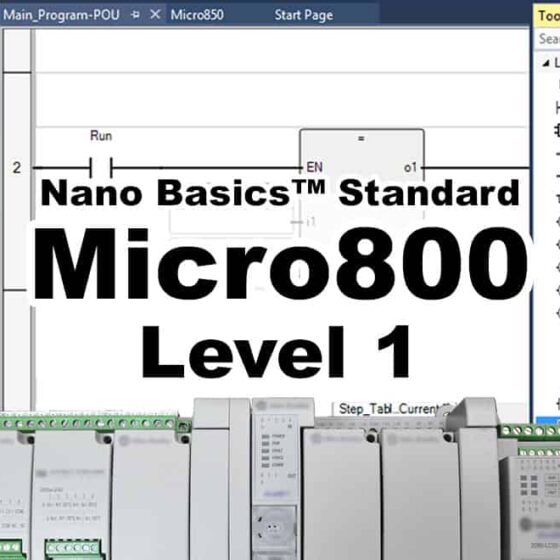
In this course you’ll learn to setup and program the A-B Micro800 Nano PLC with Connected Components Workbench, including:
– Understanding the design of the Micro800 Nano PLC hardware
– How to choose components, configure a system, and download the software
– How to flash controller firmware, and upload and download programs
– How to create Motor Control and Part Sensing programs in Ladder Diagram
– How to create Machine Runtime and Part Counting programs in Function Block
– And much, much more! (click here for details)
NOTE: Need to enroll an employee, or multiple students? Please contact us HERE
-
$999.99
In this course, those with some PLC experience will learn how to setup, configure, and program the Allen-Bradley line of CompactLogix and ControlLogix Programmable Automation Controllers (PACs)
-
$199.00
*** For the most up-to-date course details, please visit the course pages here and here ***
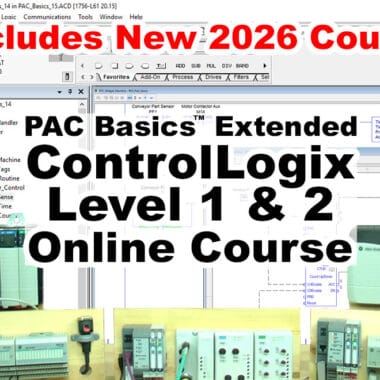
In these courses, you will learn how to setup, configure, and program the Allen-Bradley line of ControlLogix Programmable Automation Controllers (PACs) including:
– Understanding the design and parts that make up a ControlLogix system
– How to setup RSLinx drivers, and configure Ethernet Networks (and ControlNet Networks in PAC Basics.)
– How to setup, test, and troubleshoot local and distributed I/O configurations
– How to create, test, and run Ladder Logic (and Function Block, ST, & SFC programs in PAC Basics)
– And much, much more!
NOTE: Need to enroll an employee, or multiple students? Please contact us HERE
-
$99.00
*** For the most up-to-date course details, please visit the course page HERE ***
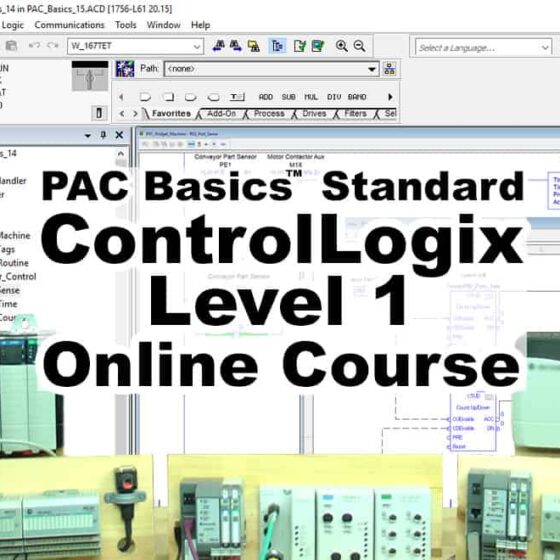
In this course, those with some prior PLC experience will learn how to setup, configure, and program the Allen-Bradley line of ControlLogix Programmable Automation Controllers (PACs) including:
– Understanding the design and parts that make up a ControlLogix system
– How to setup RSLinx drivers, and configure Ethernet and ControlNet Networks
– How to setup, test, and troubleshoot local and distributed I/O configurations
– How to create, test, and run Ladder Logic and Function Block programs
– And much, much more! (click here for details)
NOTE: Need to enroll an employee, or multiple students? Please contact us HERE
-
$99.00
*** For the most up-to-date course details, please visit the course pages here and here ***
In thess courses new users will learn everything they need to know to setup, use, and program Programmable Logic Controllers, including:
– What a PLC is, and the different styles and types they come in
– Understanding Numbering Systems, Data Types, and Ladder Logic Programs
– How to download and use the free RSLogix PLC Software, and setup RSLinx
– How to create, download, & test programs for sensing, timing, counting, etc
– And much, much more! (click here for details)
NOTE: Need to enroll an employee, or multiple students? Please contact us HERE
-
$99.00
*** For the most up-to-date course details, please visit the course pages here and here ***
In these courses you’ll learn to setup and program the A-B Micro800 Nano PLC with Connected Components Workbench, including:
– Understanding the design of the Micro800 Nano PLC hardware
– How to choose components, configure a system, and download the software
– How to flash controller firmware, and upload and download programs
– How to create Motor Control and Part Sensing programs in Ladder Diagram
– How to create Machine Runtime and Part Counting programs in *Function Block
– And much, much more! (*covered in Nano Basics)
NOTE: Need to enroll an employee, or multiple students? Please contact us HERE